
GAMING
Loading





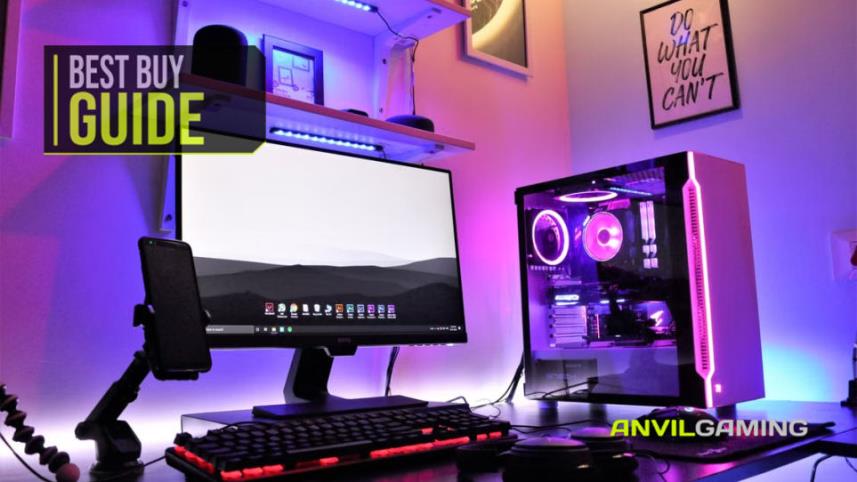
Your gaming PC probably cost considerably more than the desk it is sitting on, yet it is surprisingly easy to neglect it. We spend hours choosing the right processor, graphics card, memory and storage, then leave the whole thing sitting there quietly inhaling dust, connected to whatever extension lead happened to be within reach.
Keeping a PC in good condition does not have to involve an expensive collection of specialist equipment, though. A few sensible habits, combined with a handful of useful accessories, can help keep dust under control, protect your hardware from electrical problems and make sure the data sitting on those expensive drives is not the only thing you forgot to protect.
We've picked five products that cover the main areas worth thinking about: cleaning the inside of the PC, keeping your screens and peripherals clean, protecting your equipment from power surges, providing some backup power and protecting your important files.
None of these are going to magically make your PC immortal. Sadly, we haven't found the USB accessory that stops a graphics card dying because you looked at it funny. They can, however, make your setup considerably easier to look after.
RECOMMENDED FOR: Anyone who wants to spend a little money protecting an expensive gaming PC and the equipment around it.

Dust inside a PC is not simply an aesthetic problem. Your case fans are constantly moving air through the system, which means they are also moving whatever is floating around that air into your case. Over time, dust can accumulate on filters, fans, heatsinks and other components.
The more dust that builds up, the harder it can become for your cooling system to do its job. That does not mean a slightly dusty PC is about to burst into flames, but regular cleaning is considerably easier than waiting until the inside of your case resembles a particularly unpleasant carpet sample.
There are a few other simple things you can do as well. Give the case enough space for air to move around it, avoid blocking vents, keep the area around the PC reasonably clean and do not put drinks directly above expensive electronics.
And then there is the part people often overlook: protecting the PC when everything is working perfectly. A decent surge protector and, if appropriate for your setup, a UPS can help protect against electrical problems. A separate backup drive can protect the things that are much harder to replace than a component.
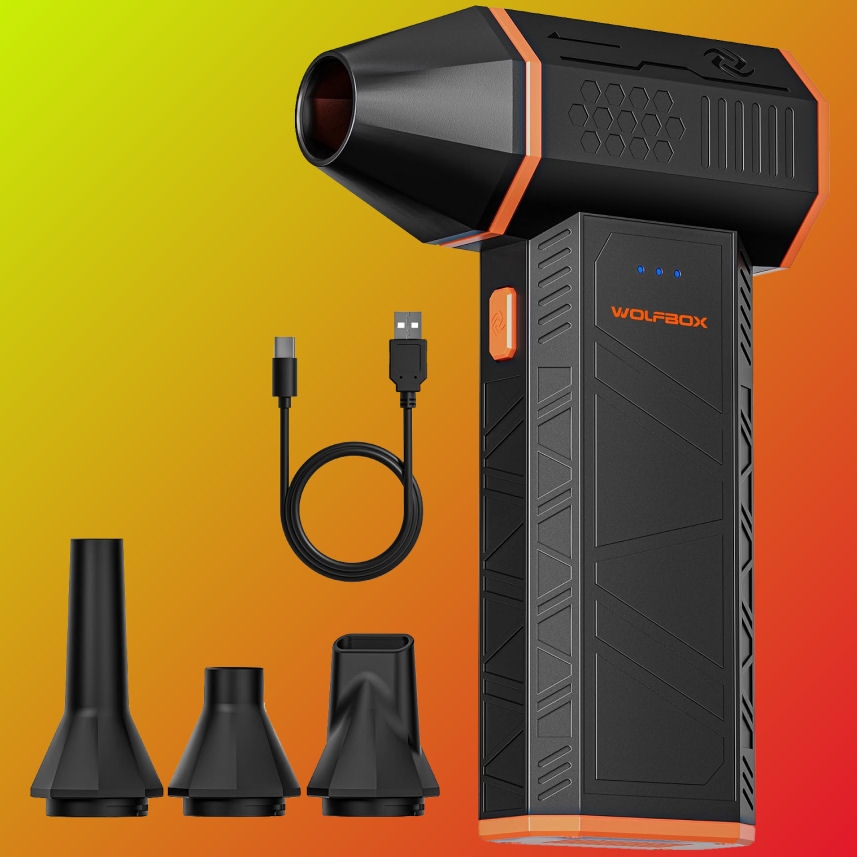
If there is one thing I would recommend having around a gaming PC, it is some way of blowing dust out of it properly. The WOLFBOX MF50 is a compact electric air duster designed for exactly this sort of job.
The important word here is electric. Rather than continually buying disposable cans of compressed air, the MF50 gives you a rechargeable option that can be used whenever the PC needs a clean. It is small enough to keep in a drawer rather than requiring you to find somewhere to store what looks like a miniature industrial blower.
For PC cleaning, the idea is simple. Shut the computer down, disconnect the power and take the cleaning somewhere suitable if you can. Then use the duster to move dust away from fans, filters, heatsinks and other areas where it has accumulated.
One important point: do not just hold a high-powered air duster against a PC fan and let it spin like a tiny helicopter. Hold the fan blades still while cleaning them. You also want to start with a lower setting where appropriate rather than immediately going for maximum power and discovering that every loose bit of dust in your case has achieved escape velocity.
The MF50 has adjustable speed settings and different nozzles, which makes it useful for more than just the inside of your PC. Keyboards, desk areas and other electronics can benefit from the same treatment too.
Buy the WOLFBOX MF50 Electric Air Duster at Amazon
PROS:
CONS:


Cleaning the inside of your PC is only half the job. If you have spent good money on a gaming monitor, there is little point keeping the components spotless while the screen is covered in fingerprints, dust and whatever mystery mark appeared there three weeks ago.
The iO CLEAN spray and microfibre cloth kit is designed for cleaning device screens, making it a useful addition to a gaming desk rather than something that needs to live in a cupboard until somebody remembers it exists.
A proper microfibre cloth is particularly useful because it gives you a soft surface for cleaning without reaching for kitchen roll, tissues or whatever piece of clothing happens to be closest to the monitor. Your graphics card may be expensive, but your monitor is also not particularly fond of being attacked with an old T-shirt.
The important thing with any screen-cleaning product is to use it sensibly. Do not soak the display, and do not spray liquid directly onto a screen unless the manufacturer specifically says that it is safe to do so. Apply an appropriate amount to the cloth instead and clean the display gently.
The same cloth can also be useful for wiping down other external parts of your setup, provided the surface and cleaning product are compatible. That makes a simple cleaning kit surprisingly useful for keeping the entire desk looking a little less like it has been through several hundred hours of gaming.
And yes, cleaning your monitor will not improve your frame rate. It may, however, make the frame rate you already have considerably easier to see.
Buy the iO CLEAN Screen Cleaner Spray and Microfibre Cloth Kit at Amazon
PROS:
CONS:

Cleaning is only one part of protecting a PC. The other obvious threat comes from the electricity powering the thing.
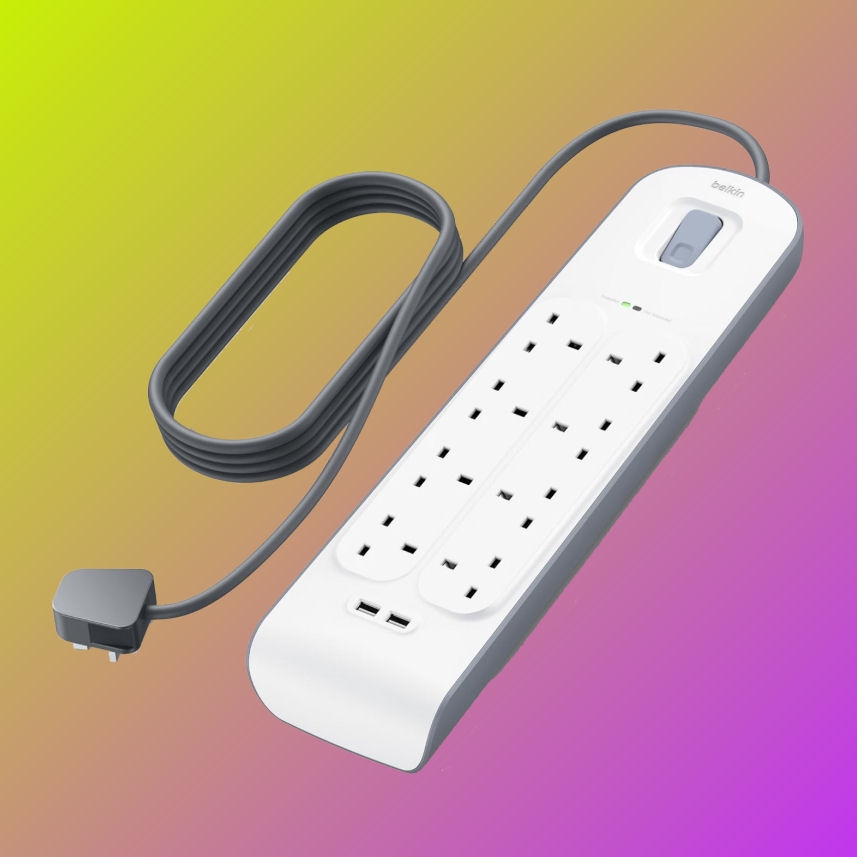
A normal extension strip gives you more sockets. A proper surge protector is designed to provide additional protection against electrical surges and spikes. For a gaming setup with a PC, monitor, speakers, chargers and other peripherals all fighting for somewhere to plug in, that distinction matters.
The Belkin BSV804 gives you eight AC outlets alongside two USB charging ports, making it particularly practical for a full gaming desk. It also provides 900 joules of surge protection and includes a two-metre power cable.
That means you can connect the main pieces of your setup without having multiple extension leads disappearing behind the desk. More importantly, the protection is designed for the equipment that you actually care about.
There is one thing worth remembering with surge protectors: they are not immortal. The protective components can wear down after absorbing significant electrical events, so this is something you should periodically check rather than buying it once and forgetting about it forever. Belkin recommends replacing this type of protector after three years, or sooner following a significant over-voltage event.
It is also worth plugging your important equipment directly into the surge protector rather than creating a daisy chain of extension leads. Your cable management may look impressive, but electricity does not care how tidy the cables look.
Buy the Belkin 8-Way Surge Protected Extension Strip at Amazon
PROS:
CONS:

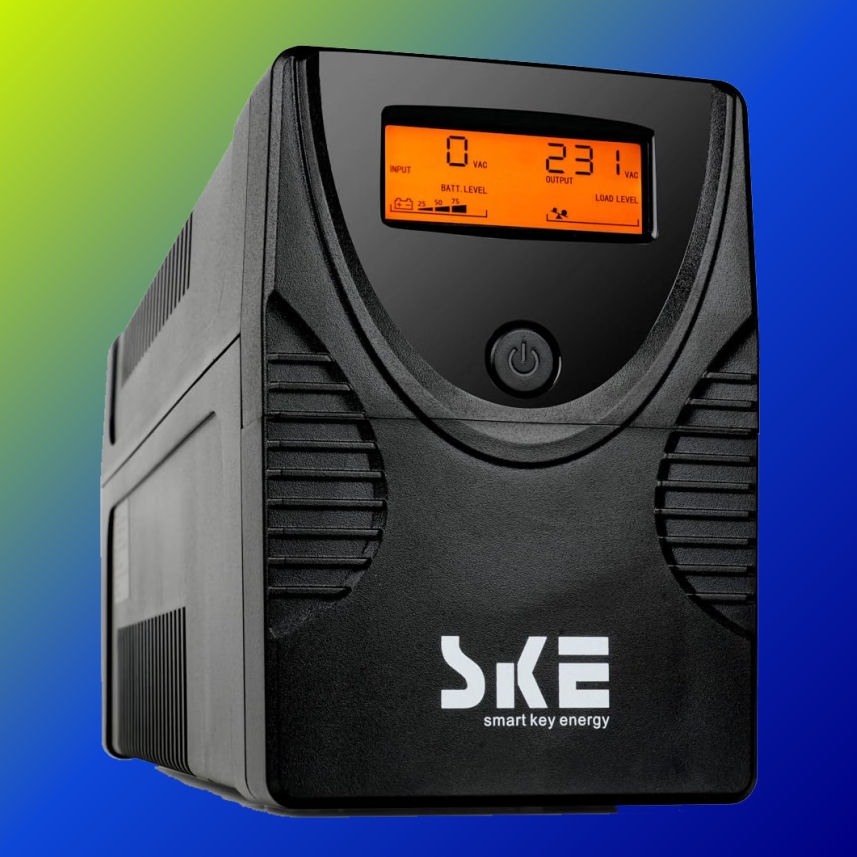
A surge protector and a UPS are not the same thing. The Belkin above is designed to protect against electrical surges. A UPS, or Uninterruptible Power Supply, goes a step further by providing battery backup when the mains power disappears.
That can be particularly useful for a desktop PC. If the power cuts out while you are gaming, working or doing anything else that you really should have saved five minutes ago, a UPS can give you some time to save your work and shut the machine down properly.
The SKE unit we are looking at is rated at 1500VA / 900W. That figure is important. A UPS is not something you should simply buy because the number on the front looks reassuring and then connect absolutely everything you own to it.
You need to consider the actual power requirements of the equipment you intend to connect. A powerful gaming PC and monitor can consume a significant amount of power under load, so check the combined requirements of your setup against the UPS's 900W output before buying.
For a lower-power desktop, networking equipment or a carefully selected PC setup, a UPS can be a very useful extra layer of protection. It is also worth remembering that the goal is not to keep gaming for another three hours after the power goes off. The goal is to give you enough time to save what you are doing and shut everything down safely.
If your PC regularly loses power, the UPS may become one of the least exciting purchases you make and one of the most appreciated. There is something quite satisfying about watching the lights go out while your PC carries on long enough for you to save your game and quietly wonder what just happened.
Buy the SKE 1500VA/900W UPS at Amazon
PROS:
CONS:
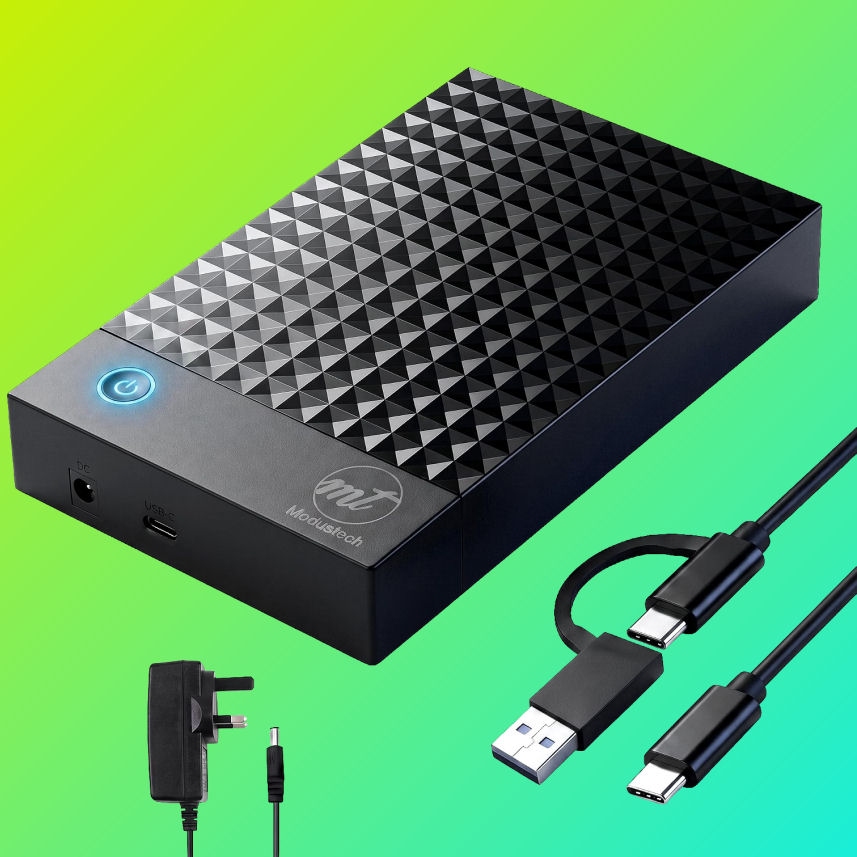
There is one final part of PC protection that is much easier to forget: your data.
Dust can be cleaned out. A surge protector can be replaced. A failed fan can be repaired. Losing years of photographs, documents, projects, save files or other important data is considerably harder to fix.
That is where an external backup drive becomes useful. The ModusTech 4TB external desktop drive gives you a large amount of additional storage that can be used for backups rather than relying entirely on the internal storage in your gaming PC.
The fact that this is a desktop external drive is worth keeping in mind. This is not something you buy because you want to throw it into a laptop bag every morning. It is better suited to sitting in one place next to your PC and acting as dedicated additional storage.
The important thing is how you use it. Plugging in an external drive and copying your files to it once does not magically create a perfect backup strategy. Set up a routine and actually make copies of the things you would be annoyed to lose.
For particularly important files, it is even better to have more than one backup and ideally keep at least one copy separate from your PC. An external drive protects you from certain types of hardware failure, but it cannot protect a backup drive sitting beside your PC from every possible problem.
Think of this one as protecting the part of your PC that cannot simply be replaced by ordering another component. Your graphics card might be expensive. Your family photographs, personal projects and years of files are priceless.
Buy the ModusTech 4TB External Desktop Drive at Amazon
PROS:
CONS:
You do not need to buy five new products to look after your PC properly. Some of the most useful protection costs absolutely nothing.
Do not push the case directly against a wall or furniture where you are blocking its intake or exhaust airflow. Make sure vents have enough clearance and avoid covering the case with anything.
A PC sitting on the floor is often exposed to considerably more dust, fluff and general debris than one sitting on a desk. If your case has a bottom-mounted PSU intake, keeping that area clean is particularly important.
Your fans are doing a lot of work every time you play a demanding game. Check them occasionally and clean them when they become visibly dusty. If temperatures suddenly start climbing compared with what you normally see, it is worth investigating the cooling system rather than simply turning the graphics settings down and hoping for the best.
This one sounds obvious right up until somebody knocks a drink over. If possible, keep liquids away from the PC and other exposed electronics. A nice cold drink is considerably less enjoyable when it becomes an unplanned component-testing exercise.
Hardware protection is only part of keeping a PC safe. Keep Windows updated, use sensible security software and install graphics and other important drivers from reputable sources. You do not need five different “PC optimiser” applications promising to make your computer 847% faster. Windows already has enough things going on.

You do not necessarily need all five products. The right combination depends on what you already have and how important your PC is to you.
For basic maintenance, the WOLFBOX MF50 and iO CLEAN kit cover the simple job of keeping the hardware and your desk setup clean. That is the starting point I would recommend for almost any gaming PC owner.
The Belkin surge protector is the next sensible step if your PC, monitor and peripherals are currently sharing a cheap extension lead. A proper surge-protected strip is a small addition to an expensive setup and gives you somewhere sensible to connect everything.
The SKE UPS is more situational. If you experience regular power interruptions, work from your gaming PC or simply want time to shut everything down properly during an outage, it makes sense. Just remember that its 360W output means you need to check your PC's actual power requirements before connecting it.
Finally, the ModusTech 4TB external drive addresses something arguably more important than dust: your data. If you have files on your PC that you would genuinely hate to lose, you should have a backup strategy. The most expensive PC in the world is not much use if a failed drive takes everything important with it.
Looking after a gaming PC does not need to become another hobby. You do not need to dismantle it every Sunday morning, polish the graphics card and inspect every fan with a magnifying glass.
A sensible cleaning routine, decent airflow, proper power protection and regular backups will get you most of the way there. The products in this guide simply make those jobs easier and, in some cases, give you another layer of protection when something goes wrong.
The most important thing is to remember that your PC is not protected just because it is switched on and working. Dust, electrical problems, accidental spills, failed storage and power cuts are all considerably less interesting when they happen to somebody else.
So give your PC a clean, give it some breathing room, protect the power and back up anything you care about. Your future self will probably be rather grateful.









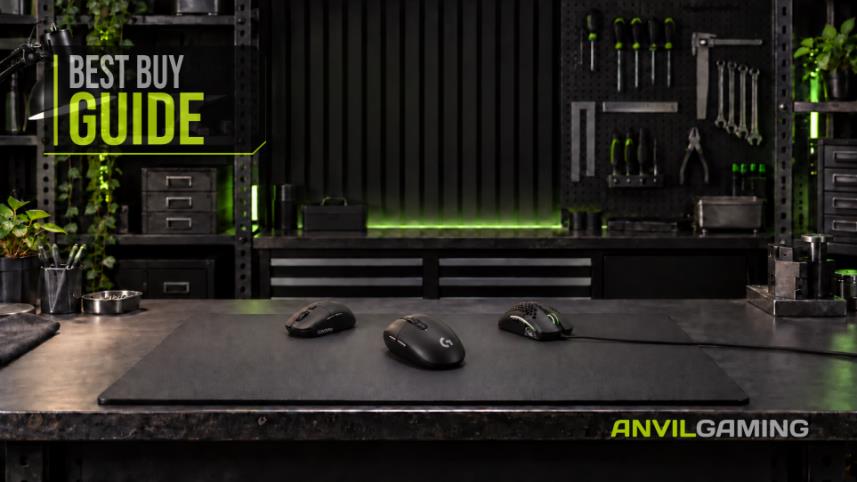
Cheap gaming mice have solved the sensor problem. The Logitech G305 remains the best buy under $50 because it fits more hands and comes with credible support. This guide compares ten models by fit, real owner-reported failures, and what happens when the warranty matters.
Read More
The NZXT Function Elite MiniTKL is our best complete buy, but not the automatic choice. Nine rapid-trigger keyboards are ranked for competitive value, compact play, wireless use and everyday typing—with every important compromise made clear before you buy.
Read More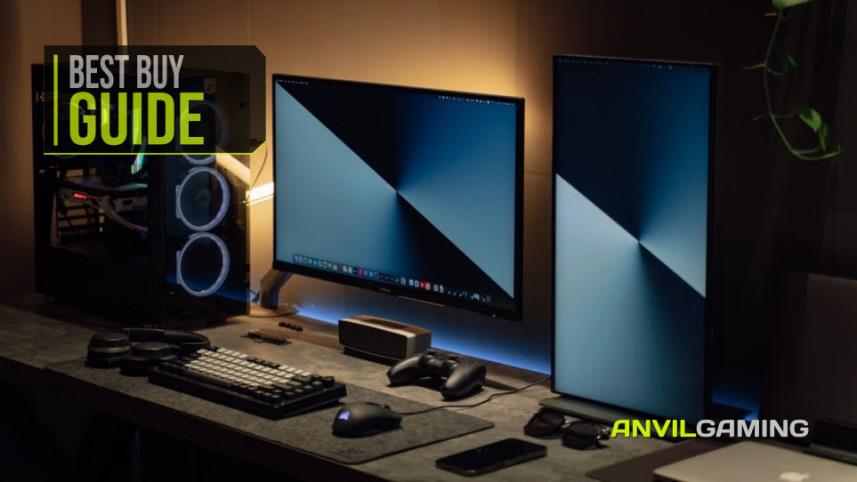
You don't need to spend a fortune to build a better gaming or PC desk. We look at seven affordable accessories, including a Logitech mouse pad, Creative speakers, a webcam, dual monitor stand, gaming headset and external DVD drive, to see which upgrades are genuinely worth adding to your setup without wasting money on unnecessary extras.
Read More
The camera is the part that looks like the purchase, and it is the part that matters least. We built a complete streaming desk around what a viewer actually reacts to - audio first, light second - for under £300, and named the single upgrade worth the rest of your budget.
Read More