
GAMING
Loading





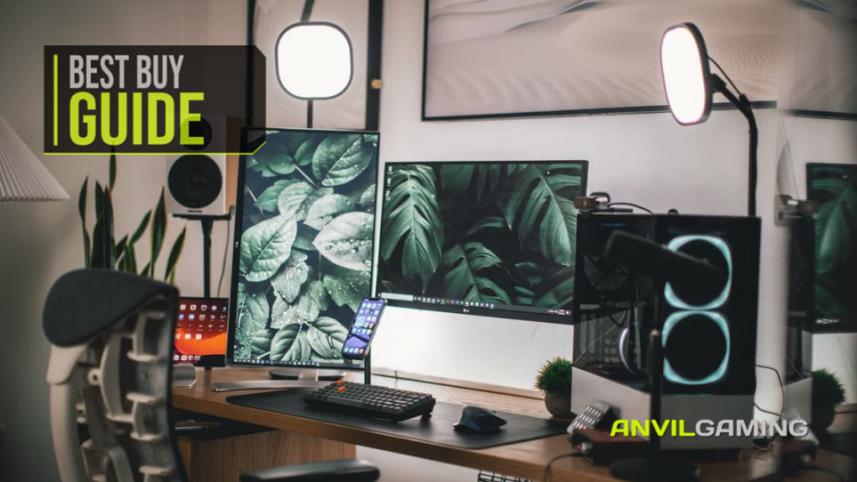
Buy the MAONO PD100XS first. Not the camera - the microphone, and then the light, and then whatever is left goes on the thing you were about to spend most of your money on. A complete streaming desk comes to under £300 at our last check, and the single best upgrade from there is a better microphone, which still leaves you change from £500.
Here's the problem this guide exists to fix. The camera is the part that looks like the purchase. It has a lens on it, it sits where you can see it, and it feels like the thing that decides whether your stream looks good. So that's where the money goes, and the result is a sharply rendered picture of someone sitting in a dim room, sounding like they're broadcasting from inside a filing cabinet.
Nobody has ever left a stream because the resolution was 1080p. They leave because they can hear the room.
Spend a little over half your budget on audio and light before you look at a camera at all. The whole build, at our last check, comes in under £300. Every product below sits on Amazon with stock when we checked, and every recommendation carries the condition it rests on.
We built this around what a viewer can actually perceive, then screened every role on Amazon for current stock, a meaningful review history and a maker who can be held to what the listing claims. Price bands, stock and sellers reflect our latest check and can change.
Rank the things a person watching you can perceive, and the order is not the order you'd guess.
Audio comes first, and it isn't close. Bad audio is physically tiring. A viewer can watch a slightly soft picture for three hours and never think about it; they will leave a stream with room echo and a hissing noise floor inside two minutes, and they usually won't be able to tell you why. They'll just say it felt amateur.
Light comes second. A webcam sensor is roughly the size of a grain of rice. Everything a small sensor does well, it does well only when enough light reaches it - and when it doesn't, it starts guessing. That's where the smeary, grainy, slightly seasick picture comes from. It isn't the camera failing. It's the camera doing arithmetic in the dark.
Resolution comes last. It's the number on the box, it's the thing every product page shouts, and it's the thing your viewer will never once mention.
Which gives us the rule the rest of this guide follows: light the room properly and a cheap camera looks fine, but no camera on earth will fix a dark one.
Here is the allocation we built to. The percentages matter more than our numbers, because they work whatever you have to spend.
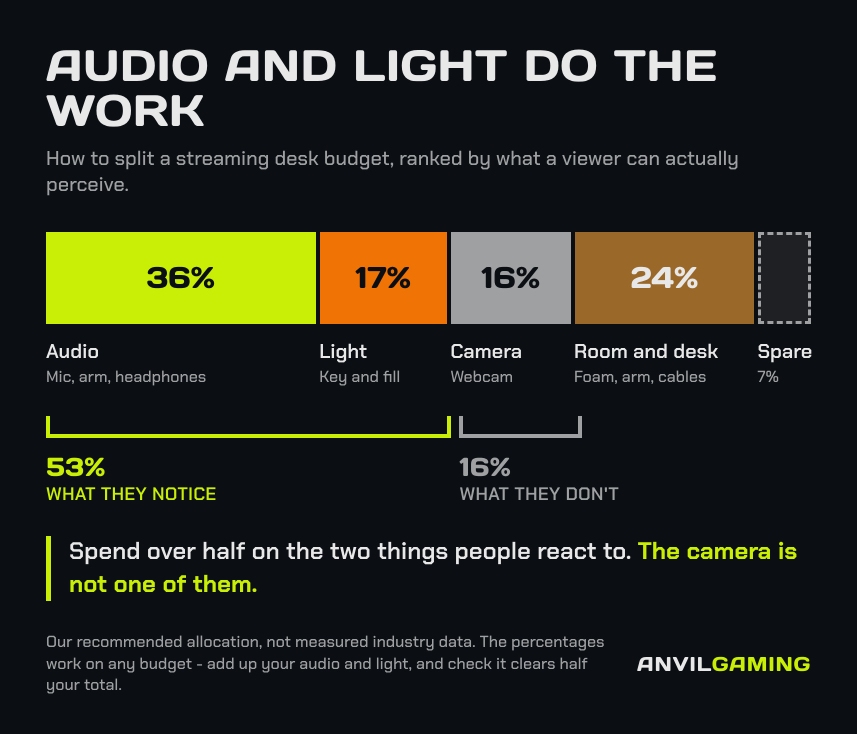
Audio and light together are 53% of the build. The camera is 16%.
So here's a check you can run in about ten seconds, on any budget, in any shop. Add up what you're about to spend on audio and light. If it isn't at least half your total, you've built it in the wrong order - and you can fix that before you've spent anything, which is the cheapest moment to fix anything.
That check still works after every product in this guide has been replaced, which is more than can be said for most buying advice.
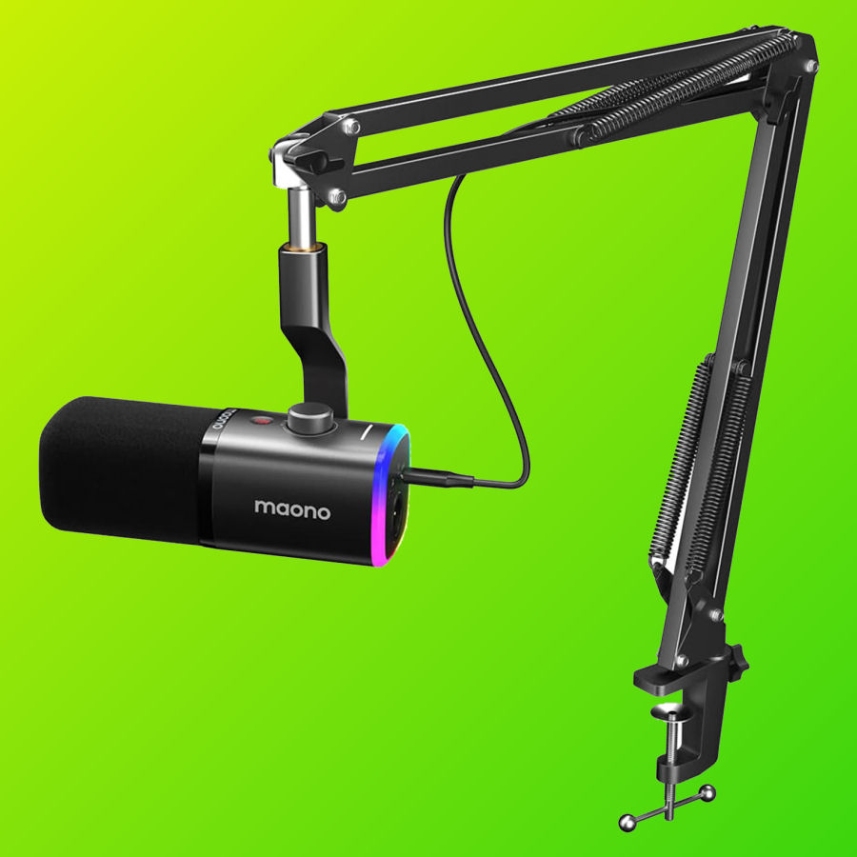
The MAONO PD100XS is our pick, and it does something quietly clever for a build like this: it arrives with a boom arm in the box. Two of your nine roles, one purchase, under £60 at our last check. The money that frees up is what pays for the lighting further down this page.
It's a dynamic microphone, which is the important word. A dynamic capsule hears what's directly in front of it and is comparatively deaf to everything else - your room, your keyboard, the extractor fan two rooms away. A condenser microphone hears all of that beautifully. Beautiful room noise is still room noise.
It also carries both USB and XLR outputs. Plug the USB into your PC today; if you ever move to an audio interface, the microphone comes with you instead of going in a drawer.
The condition: this holds while the kit stays under £60 and still ships with the arm. If it doesn't, the FIFINE AM8 kit does the same job at a similar band.

The Audio-Technica ATH-M20X is a closed-back monitoring pair in the £40-£50 band, and closed-back is the whole point. Open-backed headphones leak sound out of the cups and straight into a microphone that is, by design, pointed at your face. You'd be broadcasting your own game audio back to your viewers at a short delay, which is a special kind of awful.
What you're listening for isn't whether the stream sounds nice. It's the handful of faults you cannot see: gain set so hot that every laugh clips, a fan that has crept up in the mix since you sat down, a cable half out of its socket, and your own voice sliding off the side of the microphone as you lean in towards the screen. All of them are invisible on a level meter and obvious the moment you put a sealed pair on. Catch one live and nobody watching ever knows there was a problem.
There's a trap on this one worth knowing about. The M20X has a Bluetooth sibling, the M20XBT, and it ranks in searches for the wired model at around three times the price. Check what's in the basket.
The condition: holds while it stays under £50. Above that, the ATH-M30X closes the gap enough to be worth the step.

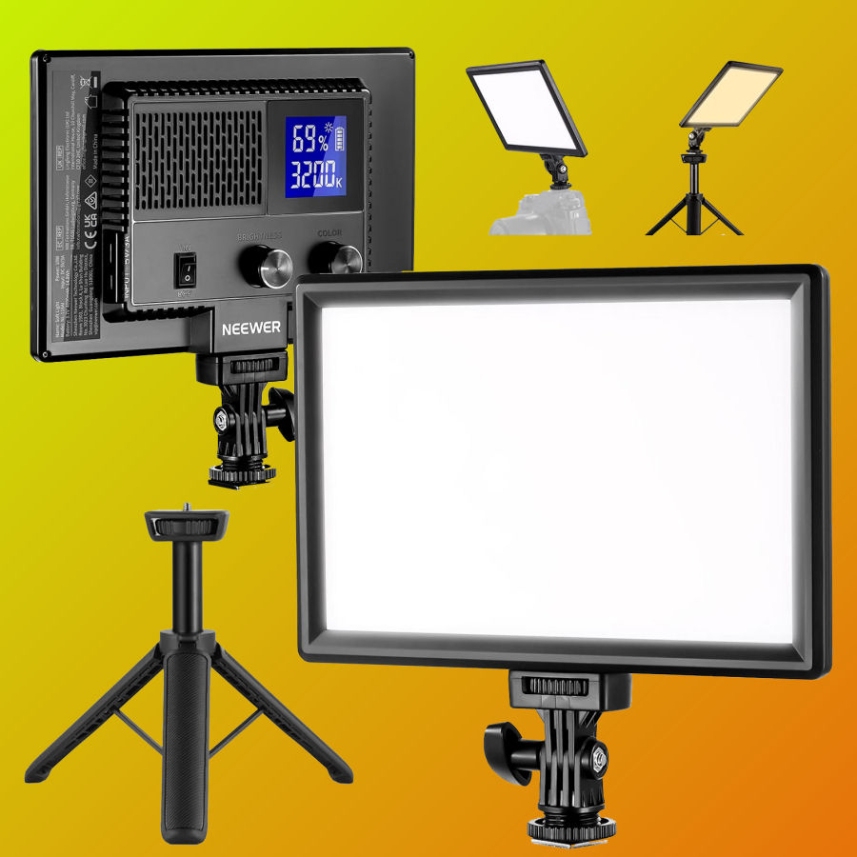
The NEEWER NL-116AI is a 9-inch panel in the £40-£50 band with a CRI above 95, which is the spec that decides whether your skin looks like skin or like a photocopy of skin.
Now, the interesting part. The two lights every streaming guide on the internet recommends are the Logitech Litra Glow and the Elgato Key Light Neo. When we checked, the Litra Glow was quoting a delivery window running into late November, and the Key Light Neo was quoting most of a month. You cannot light a room with a product that arrives after you've given up.
The NEEWER ships tomorrow and does the job. Sometimes the correct answer is the one that's in stock.
The condition: holds while it stays £40-£50 with CRI95+.
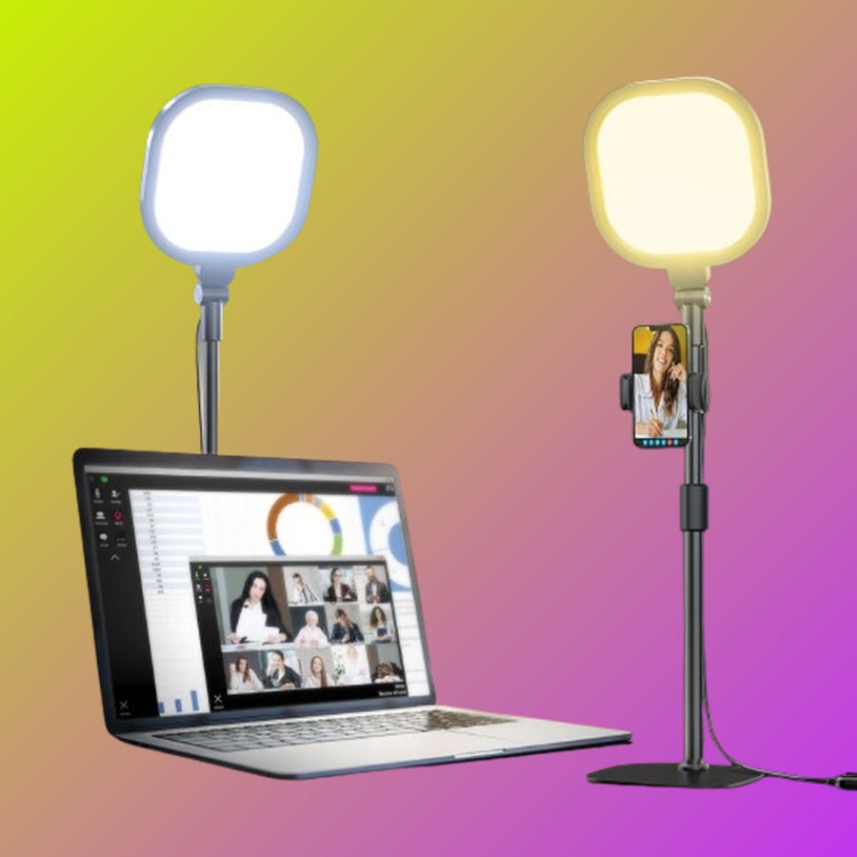
One light gives you a hard edge down one side of your face. The LitONES desk ring light in the £30-£40 band fills the shadow side and brings your face away from the wall behind it.
Placement does the work here, and it takes about a minute to get right. Put it on the opposite side to your key light, further back than feels natural, and turn it down until you can barely tell it's on. If you can see two distinct shadows on the wall behind you, it's too bright and too close - you've built a second key light rather than a fill. The setting you want is the one where switching it off looks worse than leaving it on and you can't quite say why.
This is also the one place a ring light genuinely belongs. A ring light is not a key light - it's built for a face close to the lens and it leaves a distinctive ring reflection in the eyes - but as fill, at low power, off to one side, it's exactly the right tool.
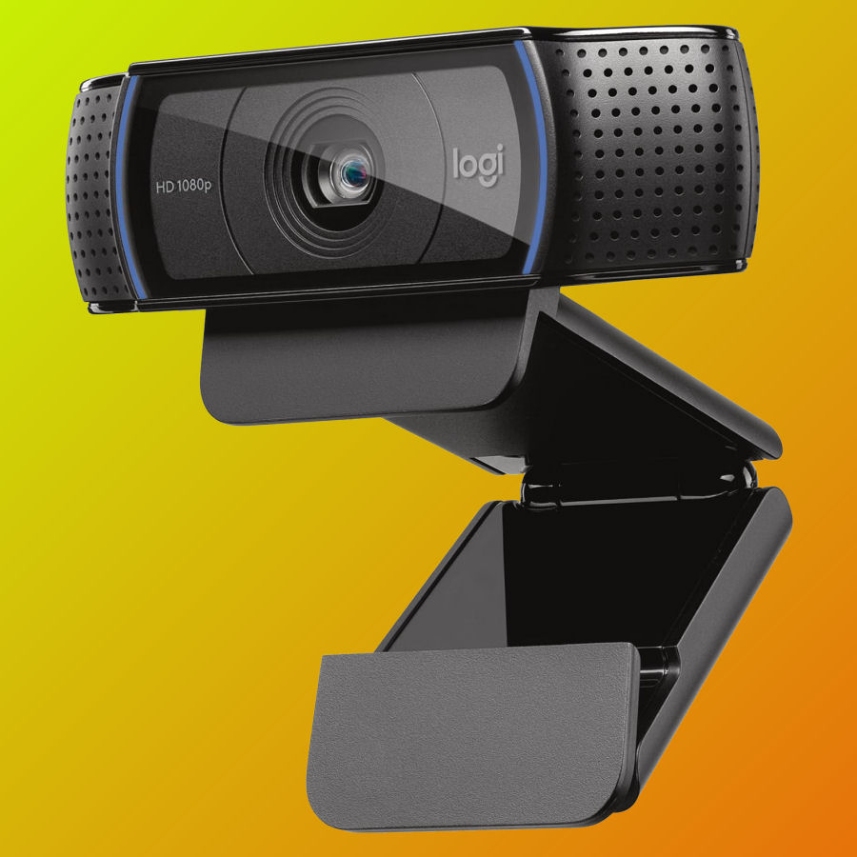
The Logitech C920S costs under £50 at our last check against a recommended price nearly double that, and it has more than ten thousand reviews behind it. It is, by a comfortable margin, the most sensible camera decision available to anyone building this setup.
I want to be blunt about what's happening here, because it's the argument this whole guide is making and this is where it either convinces you or it doesn't. You could spend three times this on a camera. It would not look three times better. It would not look better at all in a dim room, because in a dim room every small-sensor camera is doing the same desperate guesswork and the expensive one is simply guessing in more detail.
Put that money into the light instead and the C920S produces a picture people describe as professional. That's not a compromise pick. It's the right pick.
The condition: holds while it stays near half its recommended price.

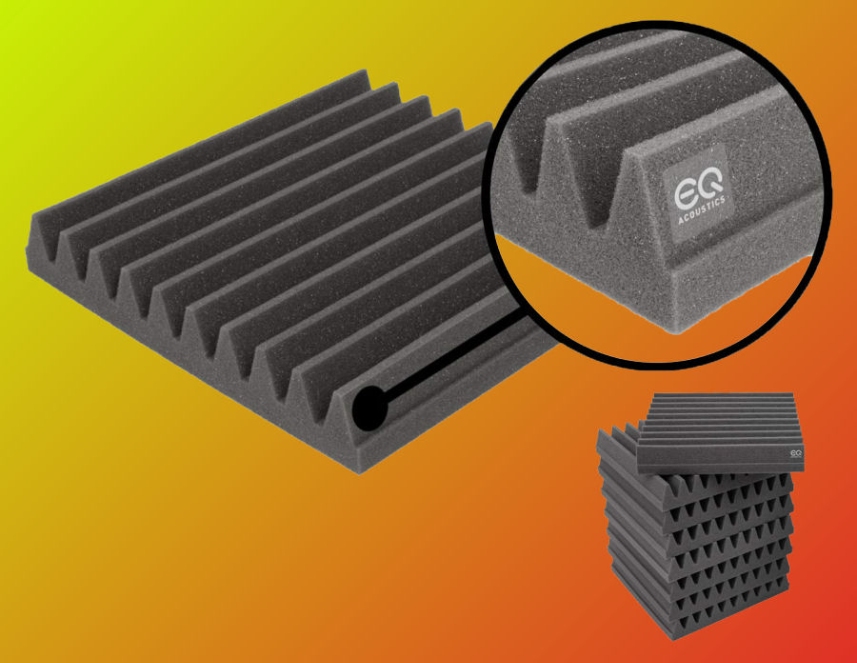
The EQ Acoustics 8-pack of 30x30x5cm wedge tiles sits in the £25-£30 band, and it is the cheapest real improvement to your audio after the microphone itself.
Two things to get straight, because the listings in this category are a swamp.
Foam does not soundproof anything. Nearly every packet on the market says "soundproofing" on it somewhere, and it's wrong. Foam absorbs reflections bouncing around inside your room. It does nothing whatsoever to stop sound passing through a wall. If you bought it so the neighbours can't hear you, you've bought the wrong product for the problem, and no quantity of it will fix that.
Thickness is the spec, and the cheap packs fail on it. These tiles are 5cm deep. The bargain egg-crate you'll see in packs of thirty-six is about 1.2 inches, and at that depth it does very little to the frequencies a human voice actually occupies. It looks like treatment. It's decoration.
Eight tiles behind you and on the wall your microphone points at will do more than thirty-six thin ones anywhere.
The condition: 5cm thickness at £25-£30. There's no cheaper substitute for this one - thin egg-crate isn't a budget version of it, it's a different product that doesn't work.
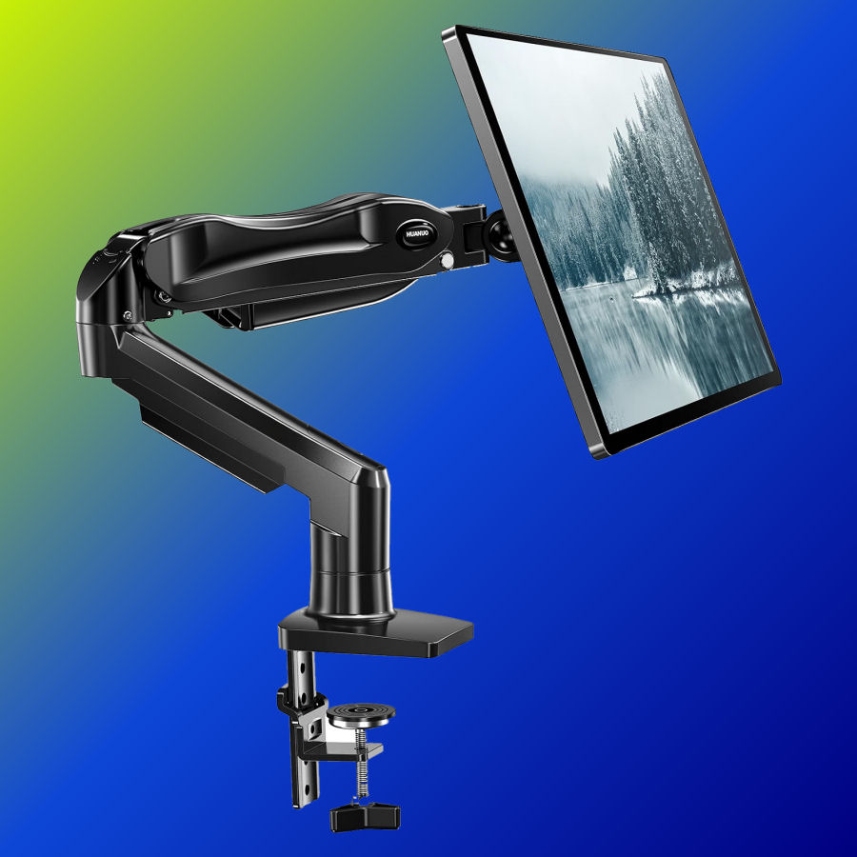
The HUANUO single monitor arm in the £25-£30 band takes a 13 to 32-inch screen on a VESA 75 or 100 mount and holds up to 9kg.
It earns its slot for one reason that has nothing to do with posture: it pushes your monitor back and frees the desk depth your camera needs. A webcam perched on a monitor that's sitting on its own stand, shoved against the wall, is too close to your face and pointing up your nose. Move the screen back four inches and the whole frame improves.
Three things to check before you order one, none of them obvious from a listing. Measure the thickness of your desktop at the edge, because every clamp has a jaw range and a thick or rounded edge defeats it. Find the VESA pattern on the back of your monitor - a 75mm or 100mm square of screw holes, and a few screens have neither without an adapter plate. And check that your monitor's own stand actually detaches, because a handful of budget screens have theirs bolted through rather than clipped on. None of the three is a dealbreaker. All three are a dull evening you'd rather not spend.
The condition: holds while it stays £25-£30. Otherwise, the Invision MX200.
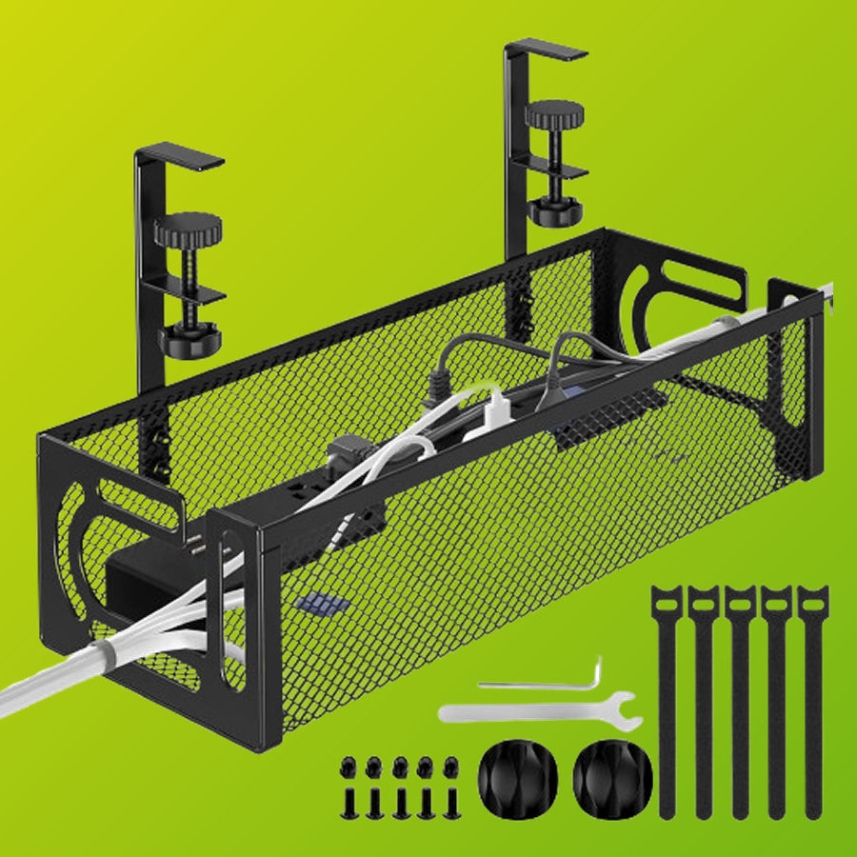
An under-desk cable tray, under £20, no drilling. There isn't a great deal of craft to this one. What's behind you is part of your frame whether you've thought about it or not, and a nest of cables reads as chaos in a way you stop noticing about a week after you stop noticing it.
The tray is for the things that never move - the power brick, the monitor lead, the runs to your PC. What shouldn't go in it is anything you unplug: headphones, a card reader, a controller cable. A tray that has to be reopened twice a week stops being used by the third week, and then you have a tray and a nest of cables.
Give the movable things a short run to the desk edge and let the tray hold the boring half. Good cable management isn't judged on the day you finish it. It's judged a month later.
If you can't buy it all at once - and most people can't - the order is the same as this article.
Stopping after step two still leaves you sounding and looking better than most of the streams you're competing with.

Now the thing to skip. A Stream Deck. It's the accessory everyone buys early, and it's the one with the least effect on anything a viewer can perceive. It makes things you already do faster. At this budget, that money is a key light and a set of foam tiles, and one of those changes your stream while the other changes your afternoon. Buy one when the setup is earning.
The build above lands under £300. If you have the full £500, don't distribute it - put it in one place, and put it in the microphone.
The MAONO PD400X sits in the £120-£130 band with proper onboard gain control, tap-to-mute and real-time monitoring, and it's the natural step up from the kit mic. You'll need an arm to go with it, since it doesn't bring one: the TONOR T30 in the £35-£40 band, which includes a pop filter.
That takes the whole build to a little over £400 at our last check. Still inside budget, and the money went where the difference is audible.
One thing to check before you order any arm: its load rating against your microphone's actual weight. An arm that sags halfway through a two-hour session is worse than the desk stand you were trying to replace, and nobody discovers this until they're live.
The condition: holds while the PD400X stays under £130. If it moves, the advice doesn't change - put the upgrade budget in the microphone, whichever dual-output model is holding that band.
Buy the PD100XS kit, the NEEWER panel and the C920S. That's three purchases, comfortably under £150 at our last check, and it covers the three things your viewer will actually notice. Add the headphones and the foam when you can. The monitor arm and the cable tray whenever.
Then run the check on yourself before you buy anything else: audio and light, at least half the total. Every time you're tempted to break that rule, it's because something with a lens on it is looking at you from a product page.
The camera is the part that looks like the purchase. It's almost never the part that makes the difference.









You don't need to spend a fortune to build a better gaming or PC desk. We look at seven affordable accessories, including a Logitech mouse pad, Creative speakers, a webcam, dual monitor stand, gaming headset and external DVD drive, to see which upgrades are genuinely worth adding to your setup without wasting money on unnecessary extras.
Read More
Cheap gaming mice have solved the sensor problem. The Logitech G305 remains the best buy under $50 because it fits more hands and comes with credible support. This guide compares ten models by fit, real owner-reported failures, and what happens when the warranty matters.
Read More
The NZXT Function Elite MiniTKL is our best complete buy, but not the automatic choice. Nine rapid-trigger keyboards are ranked for competitive value, compact play, wireless use and everyday typing—with every important compromise made clear before you buy.
Read More
Keeping a gaming PC in good condition doesn't have to be complicated. We look at five useful products for cleaning dust, protecting against power surges, handling outages and backing up important data, alongside simple maintenance tips that can help keep your hardware, peripherals and files safer for longer.
Read More