
GAMING
Loading





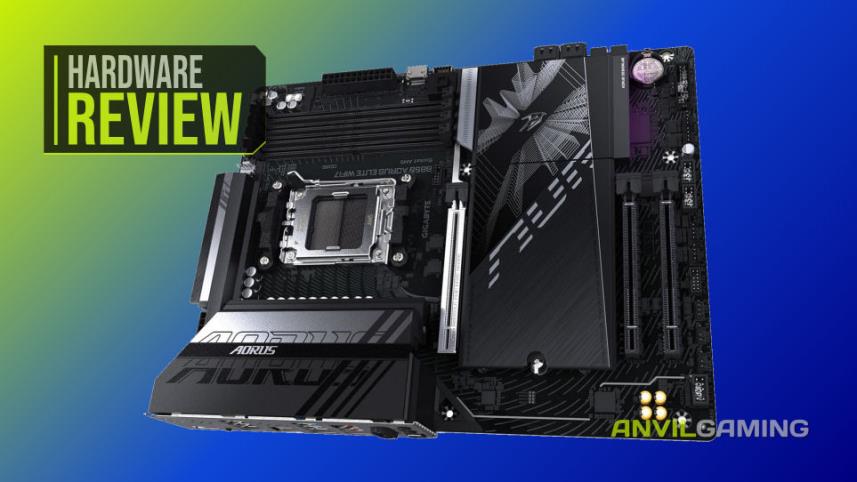
The GIGABYTE B850 AORUS Elite WIFI7 is the best-selling motherboard on Amazon right now, and for once the crowd has picked something sensible. Three M.2 slots, Wi-Fi 7, 2.5-gigabit networking, a five-year warranty and a BIOS you can flash with no CPU in the socket.
At the time of writing it is £206 ($255), and the specification sheet at that price is the reason it is selling.
Here is the part the listing does not tell you. "Supports Ryzen 9000/8000/7000" is true. "PCIe 5.0" is true. They are not true at the same time.
Our Verdict
RECOMMENDED FOR AM5 GAMING BUILDS
How this assessment was made: Anvil has not used this board. Everything below comes from GIGABYTE's published specification for the rev. 1.x board, read on 4 September 2026, and from the Amazon best-seller listing where the price was checked the same day. There are no performance, thermal or acoustic claims here, because we have not powered one on.
Anvil Gaming earns a commission on purchases made through some links on this page. It costs you nothing and does not affect our verdict.
PROS:
CONS:

If you are building around a Ryzen 9000 or 7000 series chip, yes. You get everything on the box, the storage layout is unusually generous, and at this money there is not much to argue with.
If you are building around a Ryzen 8000 series APU because you do not want a graphics card, no. Buy something else, and I will explain why in a moment, because it is the single most useful thing on this page.
Everyone else, stay with me. The specification on this board rewards reading properly.
GIGABYTE publishes exactly what happens with each CPU family. It is all there, in a table, on the official specification page. It is just written in the driest possible way and nobody reads it.
Fit a Ryzen 9000 or 7000 and the main graphics slot runs at PCIe 5.0 x16, and the top M.2 slot runs PCIe 5.0 x4. This is the board you thought you were buying.
Fit a Ryzen 8000 Phoenix 1 and the graphics slot drops to PCIe 4.0 x8. The Gen 5 M.2 slot stops being Gen 5.
Fit a Ryzen 8000 Phoenix 2 and the graphics slot drops to PCIe 4.0 x4, and the second M.2 slot drops to x2.
Read that last one again. A quarter of the graphics lanes, at the previous PCIe generation. That is not a rounding error, it is a different product.
To be fair to GIGABYTE, none of this is hidden and none of it is their invention - the lanes come from the processor, and an APU has fewer of them. But the retail listing says "PCIe 5.0" and "Supports 9000/8000/7000" in the same breath, and a reasonable person reads that as both applying to them. They do not.

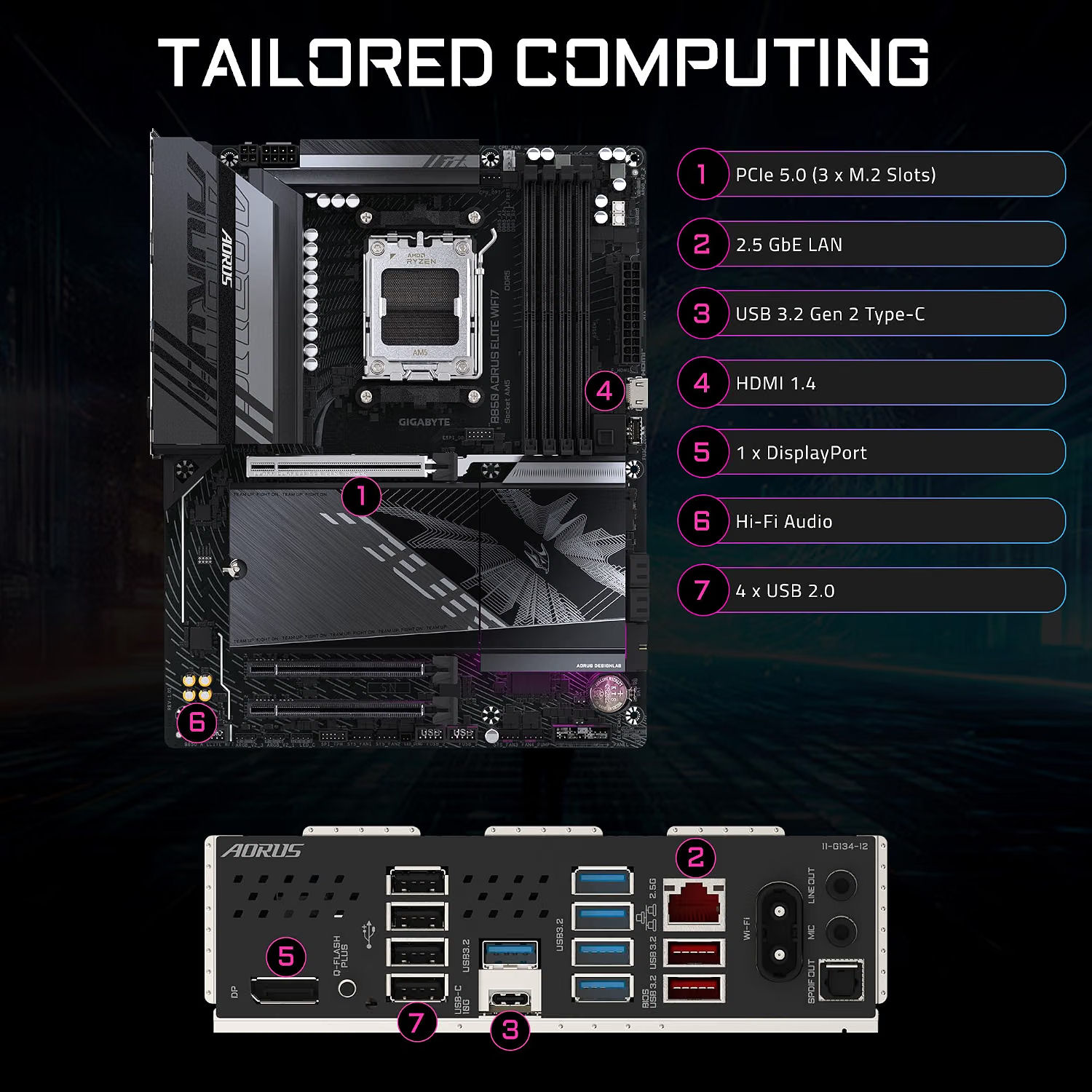
While we are reading carefully: this board has three full-length PCIe slots. The primary one is the real thing. The other two are PCIe 3.0 running at x1.
They are x16 in shape only. That is a physically longer slot wired for a single lane, which is fine for a capture card or a sound card and useless for anything you were hoping to put in it. GIGABYTE also notes that the primary slot "can only support a graphics card or an NVMe SSD" - so it is not a general-purpose slot either.
Nothing here is a scandal. It is simply not what the photograph suggests.
Now the good news, and it is better than it sounds.
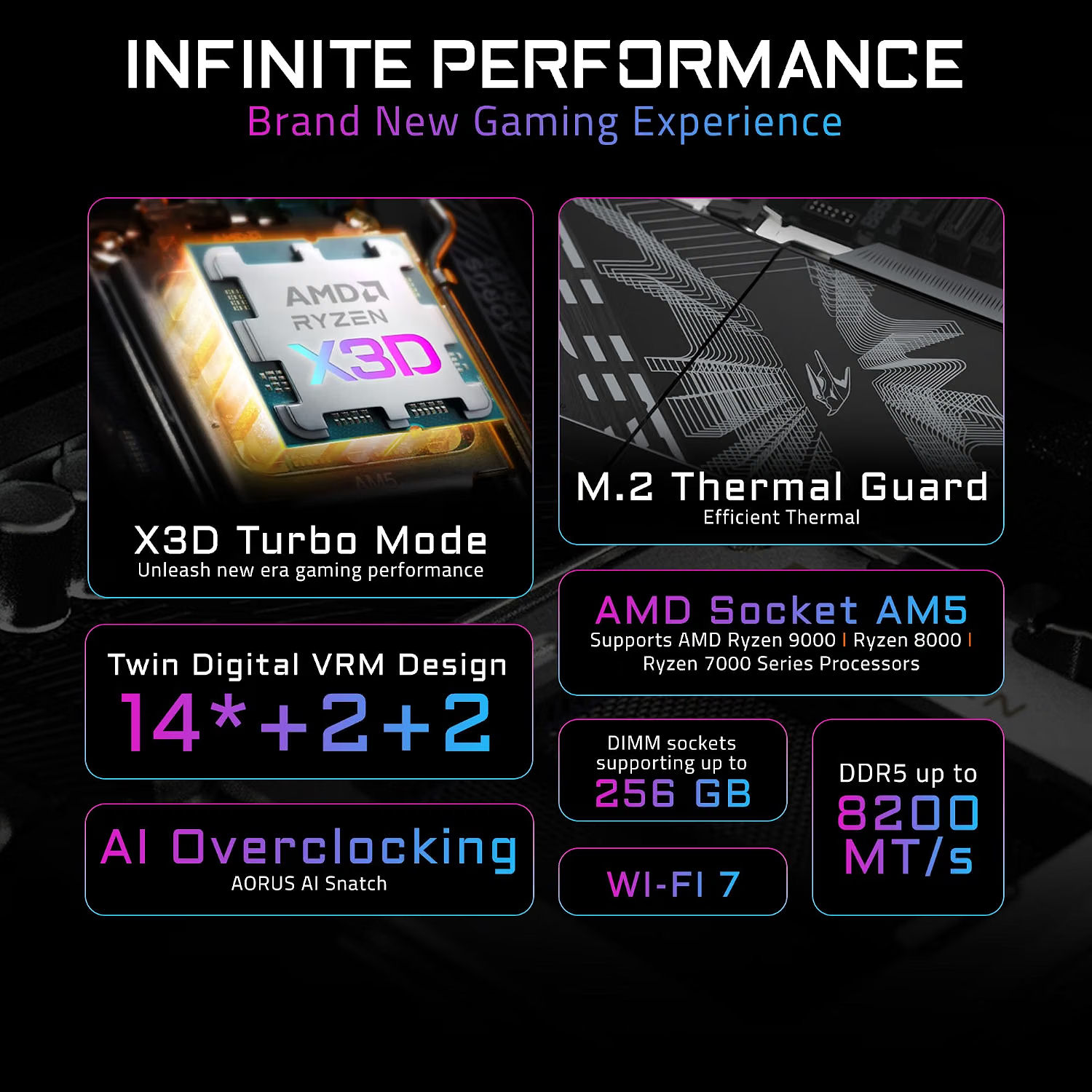
Plenty of boards at this price give you three M.2 slots and then quietly disable two SATA ports when you fill them. It is one of the most common unpleasant surprises in a build, and it is usually buried in a footnote.
GIGABYTE documents no such sharing here. Three M.2 sockets, four SATA ports, and nothing in the manual saying that using one costs you the other. I want to be precise about that: what I can tell you is that GIGABYTE documents no sharing, which is not the same as me having filled every slot and counted the drives. But an absent footnote on a board that would normally carry one is worth something.
That makes this a genuinely good board for a large games library. Two fast NVMe drives, a slower bulk one, and your old SATA drives still connected. If you want a cheap drive for the bulk slot, our assessment of the Kingston NV3 explains where that drive is strong and where it falls apart.

The listing waves DDR5 8200 at you. On GIGABYTE's own page, every speed above 4400 carries (O.C.) after it.
That is not a trick, it is how every board is specified - but it means the big number is what the board might reach with a good kit, a good memory controller and a following wind, not what it guarantees. Buy a sensible 6000-class EXPO kit, expect it to work, and treat anything above that as a bonus you might win rather than a feature you bought.
Four DIMM slots, up to 256GB, non-ECC unbuffered. Worth knowing: on AM5 generally, filling all four slots makes high memory speeds considerably harder to hold than running two. If you want capacity and speed, two large modules beat four small ones.
This board can update its BIOS with no CPU installed. GIGABYTE calls it Q-Flash Plus, it costs nothing, and almost nobody mentions it.
Here is why it matters more than the RGB. AM5 has been through several CPU generations on one socket. Board stock sits in warehouses. It is entirely possible to buy this board and a brand-new processor, put them together, and get nothing - because the BIOS on the shelf predates the chip. Without flashback, you are borrowing an older CPU from someone to get out of that hole.
With it, you put a BIOS file on a USB stick, press a button, and the board updates itself with an empty socket.
If you are buying a current CPU for a board that has been in a box for a while, this is the single most valuable thing on the specification sheet. Do it before you build, not after.
This is the recommendation I would most like you to take away, and it comes from putting two dull lines of the specification next to each other.
First: a Ryzen 8000 series APU cuts the graphics slot to x8 or x4 and removes PCIe 5.0 from the top M.2 slot.
Second: the rear I/O gives you DisplayPort for video output.
Think about who buys an APU. Someone who does not want a discrete graphics card, at least not yet. So this board hands that buyer the worst of both: it strips the expansion they might want later, and it gives them a single video connector to drive their monitor from today. If your monitor is HDMI-only, that is an adapter before you have booted.
An APU build wants a board chosen around the APU. This is not that board. It is a superb board for a chip with a graphics card next to it.

A small echo of something we found on the Kingston NV3, and worth thirty seconds of your time.
There are two hardware revisions of this board. Rev. 1.0 and rev. 1.1 do not use the same audio codec - the later one specifies a Realtek ALC1220. Same name, same listing, same photograph.
If onboard audio matters to you, this is worth asking the retailer about before you buy, and it is worth checking the box when it arrives. If you were going to use a USB headset or an audio interface anyway, ignore this entirely.
The board is only as good as what it is holding. This is the combination that makes the specification on the box true.
How the score was built: This is a documentation-led score, not a test-bench result. It covers the board's documented platform fit, storage, connectivity, memory support, BIOS safeguards, value and warranty. It does not score VRM thermals, overclocking stability, acoustics or hands-on build quality, because Anvil has not tested the board.
Category scores are weighted to produce the final result

For a Ryzen 9000 or 7000 gaming build, this is a lot of board at today's price and I understand entirely why it is outselling everything else. Three M.2 slots with nothing taken away, Wi-Fi 7, a five-year warranty and BIOS flashback is a strong hand at this price.
The catch is not a flaw so much as a condition. Most of what you are paying for is delivered by the processor, and if you fit the wrong one you will never see it. Pair it properly and there is very little to complain about. Pair it with an APU and you have bought a premium board to run at a quarter of its advertised graphics bandwidth, through a single DisplayPort.
Buy it for the build it is good at, update the BIOS before you fit the CPU, and put two sticks of memory in it rather than four.








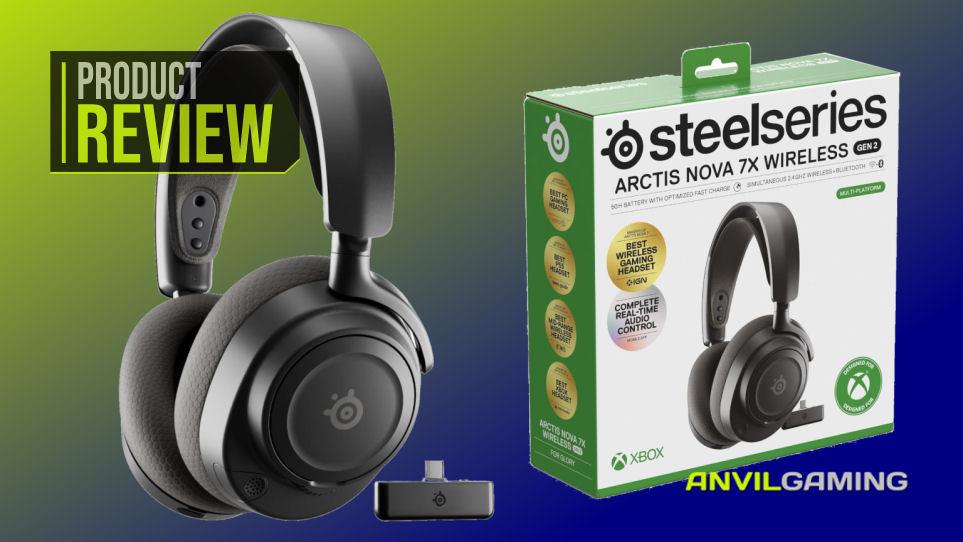
Six Nova 7 headsets share one name, and only the 7X talks to an Xbox. We used the 7X Gen 2 on Xbox, PS5, PC, and phone: light, long-lasting, and properly multi-console, with a thin mic and a fat dongle. Here is which Nova 7 to buy, and when Gen 1 is the smarter pick.
Read More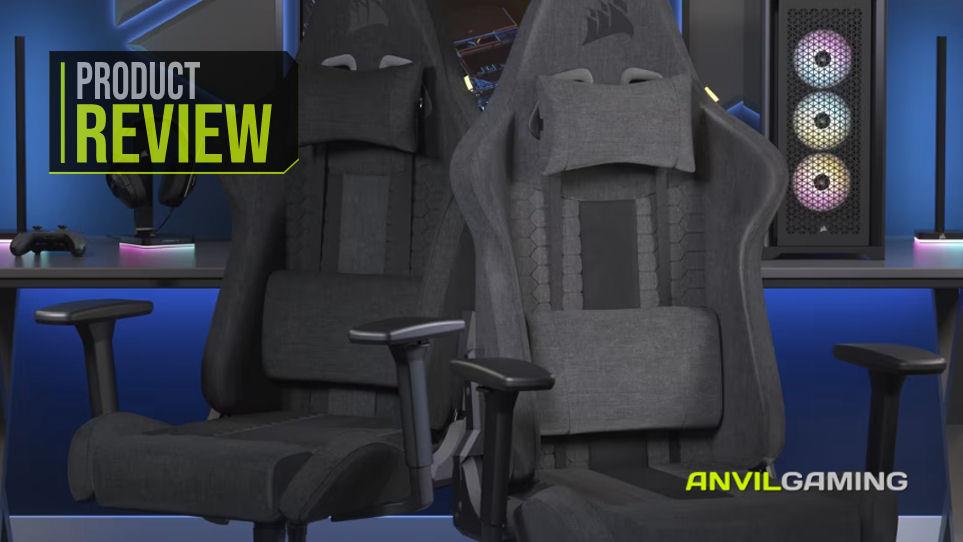
The Corsair TC100 Relaxed is as roomy and reclined as its name promises, and its lumbar pillow really works. It is also a chair you have to fit: rated to 6ft 2, 36cm between the seat bolsters, and arms that only go up, down, in and out. Here is the one-minute check.
Read More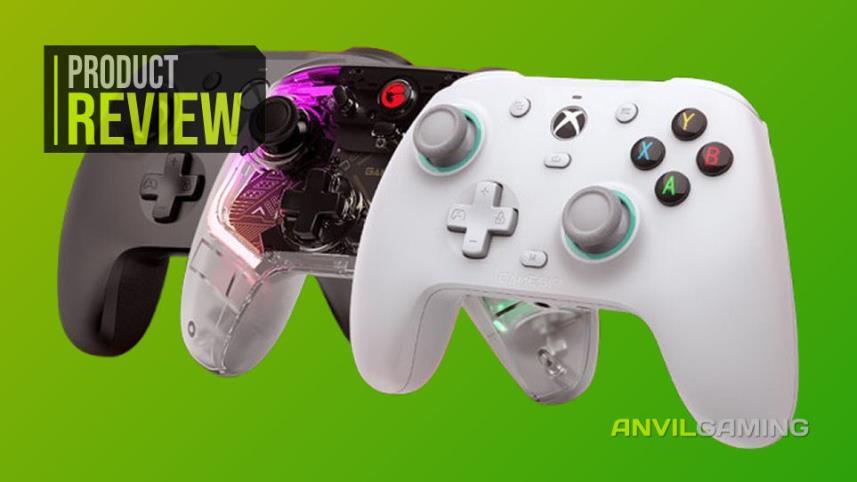
The GameSir G7 Pro combines precise TMR sticks, clicky controls, extensive remapping and a charging dock. It is outstanding value for PC, but wired-only Xbox play and uneven software stop it short of greatness.
Read More